
MX Player
Security Verified
McAfee
F-Secure
Adblock
MX Player
MX Player is a multimedia application that helps users watch videos on their Android devices. It supports different video formats and provides playback controls that make watching movies, downloaded clips, and other media more convenient. The app has gained attention for its smooth playback, subtitle support, and simple interface. Depending on the region and available services, users may also find online entertainment content within the app. Whether you want to watch a video saved on your phone or explore available streaming content, it offers several useful options in one place. Its playback tools give users more control over their viewing experience, while its straightforward layout helps new users get started without much difficulty.
What is MX Player for PC?
MX Player for PC is a video playback application designed to handle multimedia files on compatible devices. It allows users to open videos stored in their device memory, browse available files, and control playback according to their preferences. The application supports features such as subtitle adjustments, playback speed controls, and gesture-based navigation. One of its main strengths is its focus on local video playback. Instead of requiring users to upload every file to an online service, the app can play supported videos directly from device storage. This approach helps people watch downloaded content even when they do not have an active internet connection. MX Player has also offered online entertainment features in selected markets. These features can include movies, television shows, web series, and other video content, depending on the version and region. However, the available catalogue and streaming options may change over time.
How Does MX Player Work?
MX Player App works by scanning or opening compatible video files on your device and displaying them in its playback interface. After installation, you can grant the necessary media permissions and browse your available videos. When you select a file, the player opens it and displays controls for pausing, seeking, adjusting the volume, and changing playback settings. The application can also use hardware acceleration or software decoding, depending on your device and the selected settings. These options help it process different video files, although performance can vary with the file format, resolution, and device capabilities. For online content, the process may differ. You need an internet connection to browse and stream material from services available inside the app. Streaming quality and availability depend on your connection, region, and the relevant content provider.
Tips for a Better MX Player Experience
You can improve everyday playback by following a few simple practices.
- Keep enough free storage available for your media files and app data.
- Use compatible video formats to reduce playback problems.
- Choose the correct subtitle file for each movie or episode.
- Adjust playback speed only when it improves your viewing experience.
- Keep the MX Player APK updated through a trusted distribution channel.
- Use a stable internet connection for streaming content.
- Review permissions and avoid unnecessary access.
- Test large or high-resolution videos before relying on them during travel.
These small adjustments can help you avoid common problems and make video playback more comfortable.
Key Features of MX Player
MX Player download combines everyday playback tools with additional viewing options. These features help users manage videos and adjust the experience to suit different types of content.
Support for Multiple Video Formats
The app supports a range of common video formats and codecs. This compatibility helps users open many downloaded files without converting them first. However, some files may require additional codec support or may not work because of unsupported encoding, damaged data, or device limitations.
Hardware Acceleration
Hardware acceleration allows compatible devices to use their graphics-processing capabilities to handle video playback. MX Player Free can improve performance and reduce processing demands for supported formats. Users may notice smoother playback with certain files, although the results depend on the device hardware and video encoding.
Subtitle Support
Subtitles make foreign-language movies and dialogue-heavy videos easier to follow. MX Player supports subtitle options for compatible files, allowing users to load subtitles and adjust their appearance or timing where supported. Correct subtitle synchronization can make a noticeable difference when watching downloaded movies or television episodes.
Gesture-Based Controls
The app offers convenient touch gestures for common playback adjustments. Depending on the version and device, users can change the volume, adjust brightness, and move through a video without repeatedly opening the settings menu. These controls make one-handed viewing easier, particularly on larger phone screens.
Playback Speed Settings
Some videos feel too slow, while tutorials and recorded lessons may take too long at normal speed. MX Player provides playback-speed controls that let users watch supported content faster or slower. This feature can help with educational videos, interviews, and other recordings that require a flexible viewing pace.
Background and Audio Playback Options
Depending on the version and media type, MX Player video may provide options that support audio-focused playback. These options can help users listen to suitable content without treating every file as a standard full-screen video. The exact behaviour depends on the installed version and device settings.
Easy Video Library Navigation
The application organizes accessible video files so users can find and open their media more easily. Its library interface reduces the need to search through every folder manually. Users can browse available files and select a video directly from the app, provided they have granted the required storage permissions.
Online Entertainment
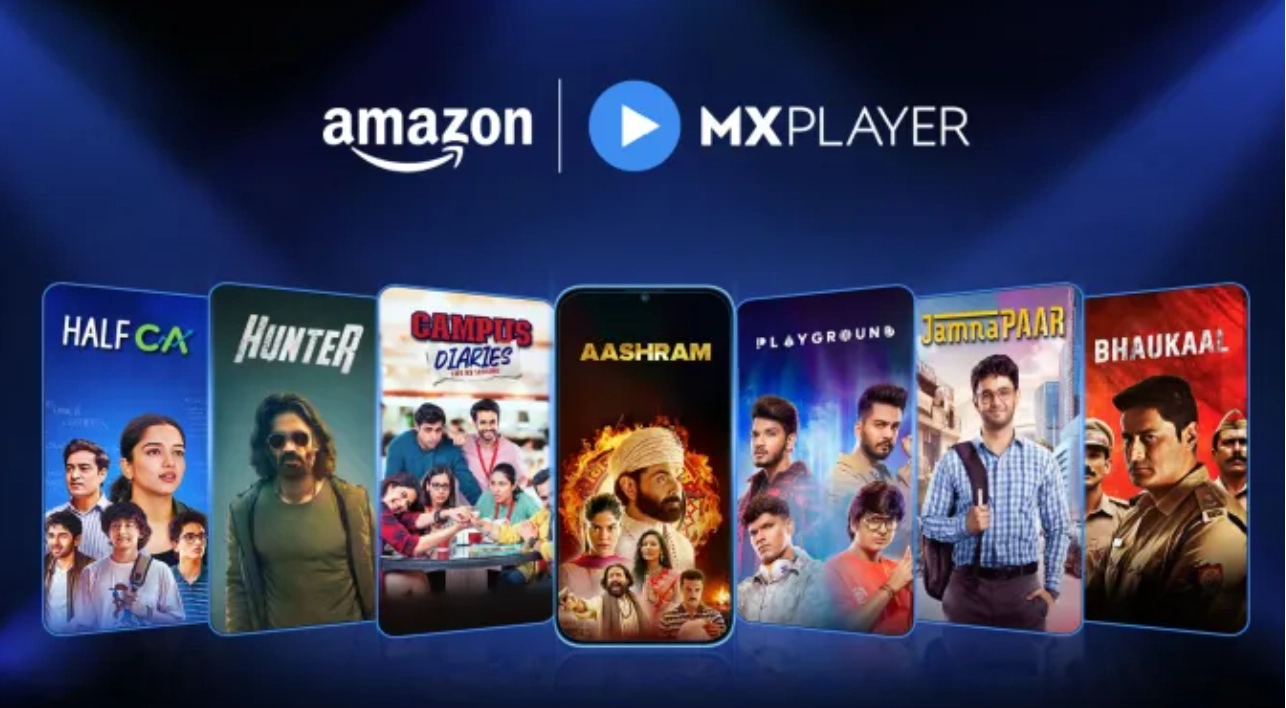
In supported regions, the app has offered streaming entertainment alongside local playback. Depending on the current service, users may find different types of shows and video content. The online catalogue is not identical in every country, and some services or titles may require an account or may no longer be available.
Customizable Viewing Experience
MX Player download PC includes playback settings that help users adjust the way videos appear and behave. Subtitle timing, screen orientation, scaling, and other controls can improve comfort when watching different types of media. Available customization options depend on the app version and the format of the video.
Simple Playback Interface
The playback screen keeps essential controls within easy reach. Users can pause a video, move to a different scene, and adjust sound without navigating complicated menus. This straightforward layout helps beginners learn the basic controls quickly while still providing additional settings for more experienced viewers.
MX Player User Interface and Experience
MX Player Original focuses on making video playback easy to understand. Users can browse accessible videos, select a file, and start watching without completing a complicated setup process. The playback screen provides familiar controls, while touch gestures offer quicker access to certain adjustments. The experience may feel different depending on the device and app version. On a phone with limited storage, a large media library can take longer to organize. Likewise, high-resolution files may require more processing power than standard videos. Online entertainment sections, when available, may use a different layout from the local video library. This distinction matters because browsing streaming content requires an internet connection, whereas supported files stored on the device can play offline.
How to Watch Videos on MX Player?
Getting started with MX Player APK download is relatively straightforward. Follow these steps to watch a video stored on your Android device.
- Install MX Player from a trusted source that supports your device and region.
- Open the application after installation.
- Allow the necessary media access permissions so the app can locate your videos.
- Browse the available video library or open a compatible file from your device.
- Tap the video you want to watch.
- Use the playback controls to pause, seek, adjust the volume, or change other supported settings.
- Load subtitles if you need them and have a compatible subtitle file.
If the app cannot locate a particular video, check its folder location and media permissions. You should also confirm that the file uses a supported format.

Does MX Player Work Offline?
MX Player download for Windows can play supported videos stored locally on your device without an internet connection. This makes it useful for watching downloaded movies, personal recordings, and other media while travelling or in places with limited connectivity. However, offline playback and online streaming are different functions. Streaming catalogues, advertisements, account services, and online recommendations require internet access where applicable. Downloading content for offline use also depends on the source and whether the relevant service permits it. For reliable offline viewing, download or transfer your media files before travelling and check that they open correctly.
Pros and Cons of MX Player
Pros
Cons
MX Player vs. a Basic Video Player
A basic video player usually focuses on opening files and providing simple controls. MX Player offers a broader collection of playback tools, including subtitle support, gesture controls, and additional settings for compatible media. The difference becomes more noticeable when you watch videos with subtitles, change playback speed, or regularly play files in different formats. However, MX Player download may not be the best option for every situation. A user who needs only simple playback may prefer a lightweight application, while someone looking for advanced media management may want a player with a different set of features. The right choice depends on your device, preferred file formats, and the controls you actually use.
Frequently Asked Questions
What is MX Player used for?
MX Player is primarily used to play video files on compatible devices. It supports various playback controls, subtitle options, and other viewing settings. Depending on the version and region, it may also provide access to online entertainment content.
Can MX Player play videos without the internet?
Yes. The app can play compatible video files stored locally on your device without an internet connection. However, streaming services and online catalogues require internet access, and some features may depend on an account or regional availability.
Does MX Player support subtitles?
Yes. MX Player supports subtitles for compatible videos and subtitle files. Depending on the version, you can adjust subtitle timing and appearance to improve readability and synchronization.
Is MX Player available for PC?
Desktop availability may vary. Check the official service or distribution channels for your region. You can also transfer videos to your computer and use a compatible desktop media player if you mainly want to watch local files.
Why is MX Player not playing a video?
The video may use an unsupported codec, contain damaged data, or require more processing power than your device can provide. Try another file, check the video’s format, and update the application if an update is available.
Is MX Player free?
Availability and pricing depend on the version and services offered in your region. Some playback functions may be free, while online services or additional features may have separate conditions. Check the current official information for accurate details.
Conclusion
MX Player remains a useful option for people who want flexible video playback on Android devices. Its support for common formats, subtitle controls, playback-speed adjustments, and gesture-based navigation makes everyday viewing more convenient. The ability to play compatible local files offline also helps users watch their saved media without relying on a constant internet connection. Online entertainment features may provide additional value in supported regions, although their availability can change. Before installing the app, check the version offered in your country and choose a trusted source. If you mainly need a practical video player with useful playback controls, MX Player is worth considering.